How to Make a Coloring Page From a Photo
Five steps, about a minute, no account and no app. Upload any photo and CrayonSnap turns it into clean black-and-white line art your child can actually color inside. The first page is free.
How to make a coloring page from a photo
- Pick a photo with one clear subject and even light — a pet, a child, a grandparent, a favorite toy.
- Crop in on that subject if the shot is busy. Closer crops produce cleaner line art.
- Upload it to CrayonSnap from your phone or computer (JPG, PNG, HEIC or WebP, up to about 20 MB).
- Choose a line style — thick outlines for toddlers, finer detail for older kids.
- Download the PDF and print it at US Letter or A4 on any home printer.
That's the whole process, and it takes about fifteen seconds of actual waiting. No app to install, no credit card, and the first page is free. The rest of this guide explains how to get a page that's genuinely good rather than just technically converted.
Step 1 — Choose the right photo
The photo you start with matters more than any setting. The AI has to decide what belongs in the outline and what is background noise, so give it an easy decision:
- One clear subject beats a group shot. Crop in if you need to.
- Even, soft light beats harsh midday sun or heavy backlight, which flattens faces into silhouettes.
- A simple background keeps the line art clean. Grass, sky, a plain wall — all fine. A cluttered playroom is not.
- Close enough to see features — a full-body shot taken from across a yard loses the face entirely.
Pets, birthday cakes, grandparents, a child's own drawing, stuffed animals, landmarks from a trip and school portraits all convert beautifully. Screenshots pulled from a video work too, which is the trick for pets and toddlers who refuse to hold still.
Step 2 — Crop and skip the filters
You don't have to edit anything, but ten seconds of cropping in your phone's photo app — zooming in on the dog's face, or the child holding the cake — almost always produces a better page. Skip filters and beauty modes: they add contrast the AI then has to undo, and heavy filters can wash out the very edges the line art needs.
Step 3 — Upload to CrayonSnap
Open CrayonSnap on your phone or laptop and tap Try it free. Drag a file in or pick one from your camera roll. There's no account wall on the first page — you can download and print it before you ever type an email address. iPhone HEIC files upload directly, so there's nothing to convert first.
Step 4 — Pick a style for your child's age
- Toddlers (2–4): thick, bold outlines with almost no interior detail. Big shapes, wide gaps, forgiving of a crayon held in a fist.
- Younger kids (5–7): classic coloring-book outlines — clear shapes with some interior detail to fill.
- Older kids (8+): finer line art with more small areas, closer to a real coloring book page.
If the first result isn't right, regenerate in a different style — you're not stuck with one interpretation of the photo, and you can compare two versions of the same picture side by side before printing.
Step 5 — Print it (US Letter or A4)
CrayonSnap returns a print-ready PDF. Choose US Letter in the United States and Canada, A4 in the UK, Ireland, Australia and the EU — both fit standard home printers with no resizing. Select "Fit to page" and leave the default margins.
Regular copy paper is fine for crayons and colored pencils. For markers or watercolor, print on 65lb cardstock or 120gsm paper to stop bleed-through. Because every page is pure black outline on white with no gray shading, it prints perfectly on a black-and-white printer and costs nothing in color ink.
Common mistakes (and how to avoid them)
- The photo is too wide. A subject that takes up a tenth of the frame becomes a tenth of the page. Crop first.
- Heavy shadow across a face. The AI reads deep shadow as an edge, which can produce a hard line down someone's cheek. Pick an evenly lit shot.
- Busy backgrounds. A patterned couch or a crowded room adds dozens of tiny shapes a four-year-old can't color inside.
- Expecting shading. A good coloring page has none — that's the point. If you want a gray, sketch-style rendering instead, use the photo to sketch tool.
- Printing at "actual size" from a phone. Use "Fit to page" or you'll clip the border.
Why a purpose-built tool beats a filter app
Generic photo-to-sketch apps and AI art tools leave shading, gray fill and hairline detail everywhere. It looks impressive on a screen and it is miserable to color: a small child can't stay inside a line that's thinner than their crayon, and gray areas print as smudges. CrayonSnap is trained specifically for kid-usable coloring pages — bold closed outlines, clean shapes, no gray, and white space wide enough for crayons.
It also handles the practical parts a filter app doesn't: HEIC straight from an iPhone, a properly sized print PDF instead of a screenshot, and batch uploads if you're compiling a whole book.
What to make once you've made one
- A page of the family pet for a rainy Sunday — see the pet photo guide.
- Photos of grandparents printed as a small booklet for Grandparents' Day.
- The birthday child's own photo as a party favor guests can color.
- Vacation photos for the drive home — the road trip pages guide covers this.
- An end-of-term class booklet — see how to build a custom coloring book.
Or start from something already drawn: the free printable coloring packs cover animals, holidays, dinosaurs and the ocean with no upload required.
Ready to try it? Upload a photo and make your first coloring page free — no signup, no credit card, about fifteen seconds.
See the Magic in Action
From photos to coloring pages in seconds — swipe through real examples!
Original Photo

Coloring Page
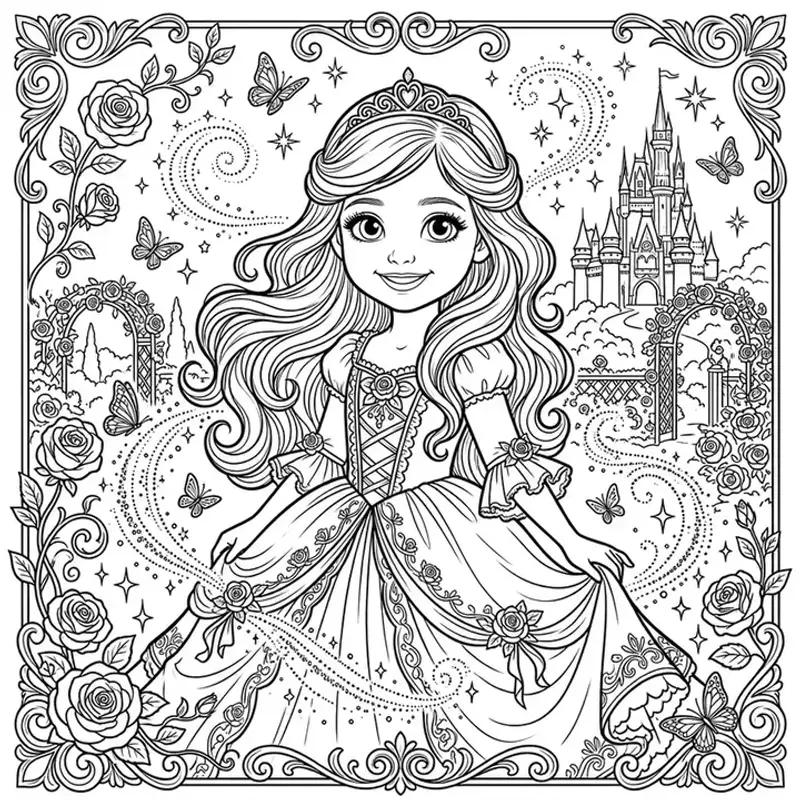
Princess · Fairytale style
Original Photo

Coloring Page
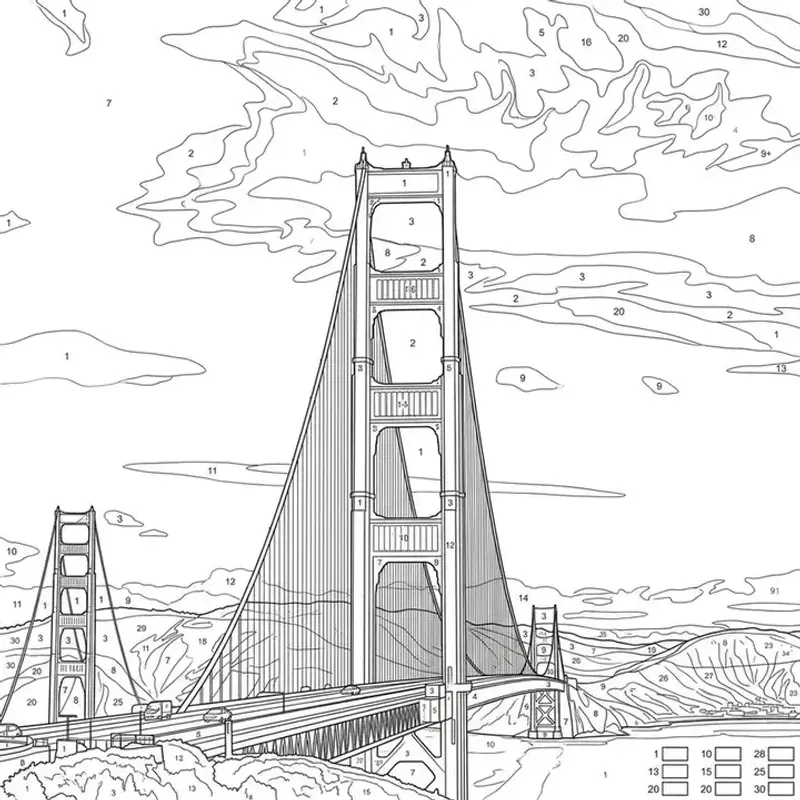
Golden Gate Bridge · Color by Number style
Original Photo

Coloring Page
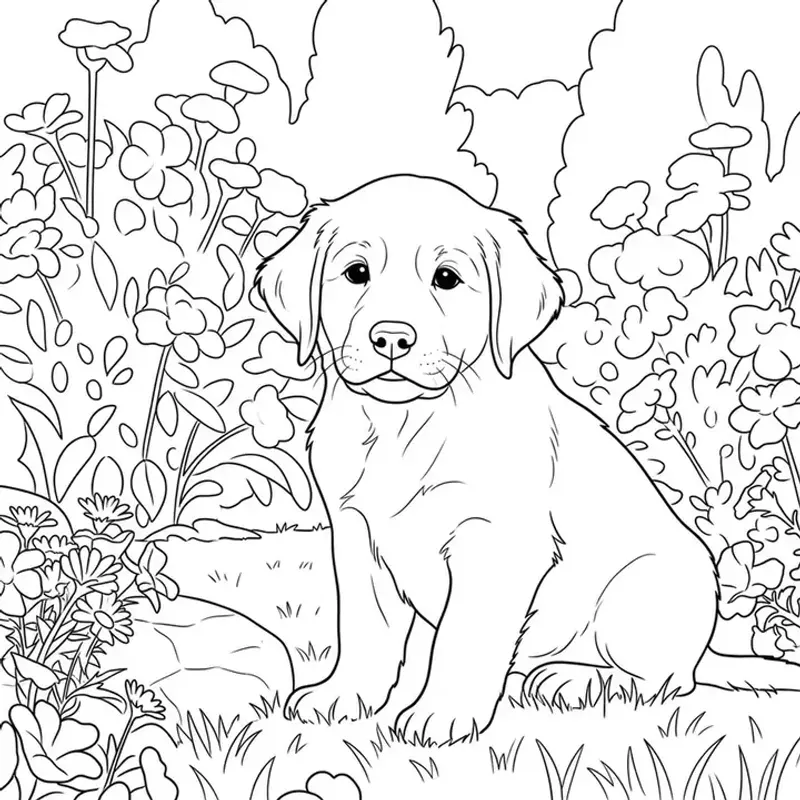
Puppy · Cartoon style
Original Photo

Coloring Page
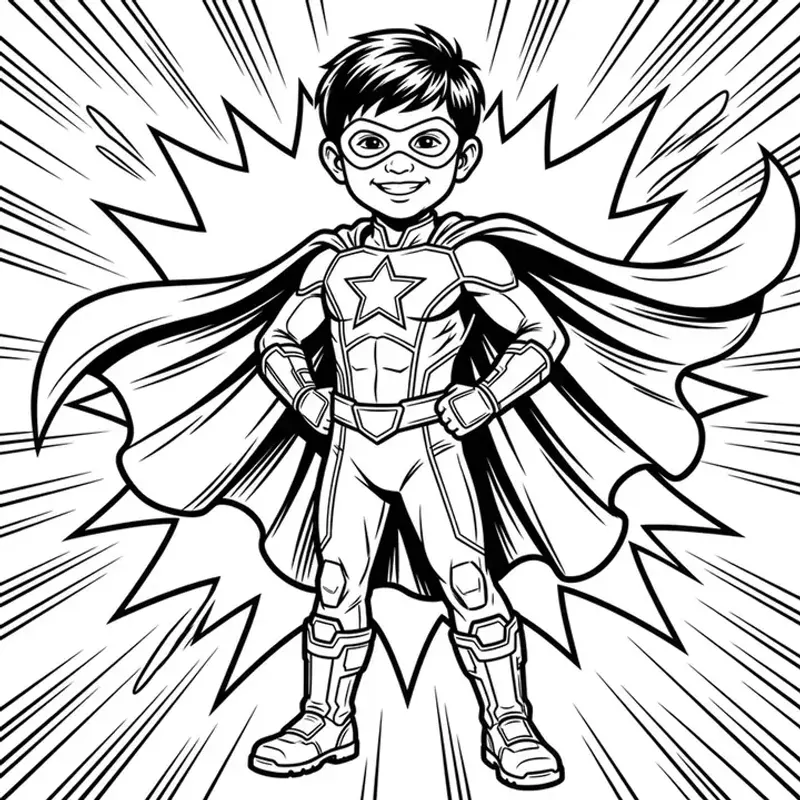
Hero · Superhero style
Original Photo
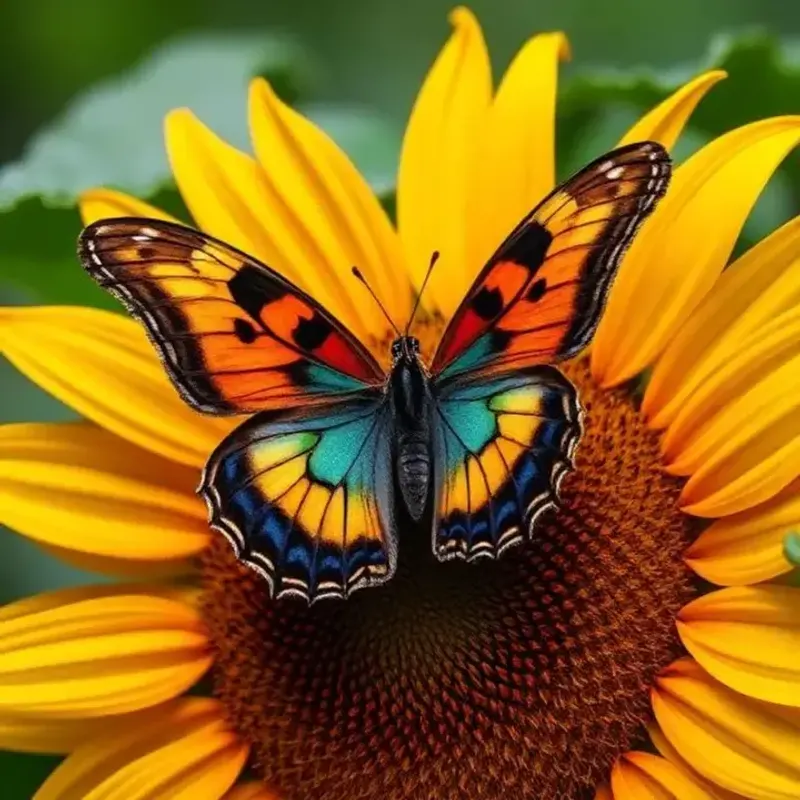
Coloring Page
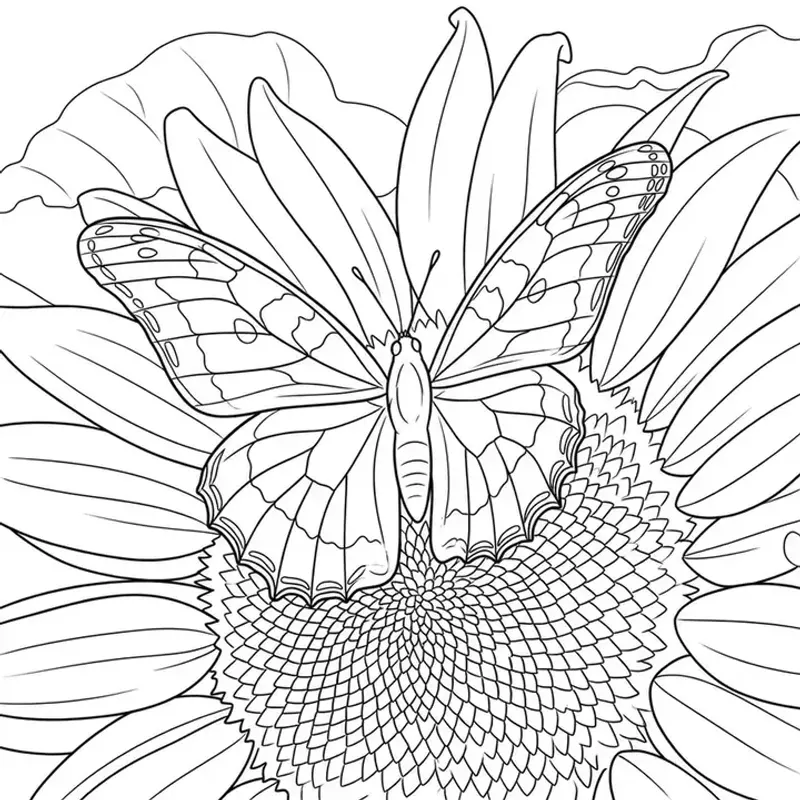
Butterfly · Cartoon style
Original Photo

Coloring Page
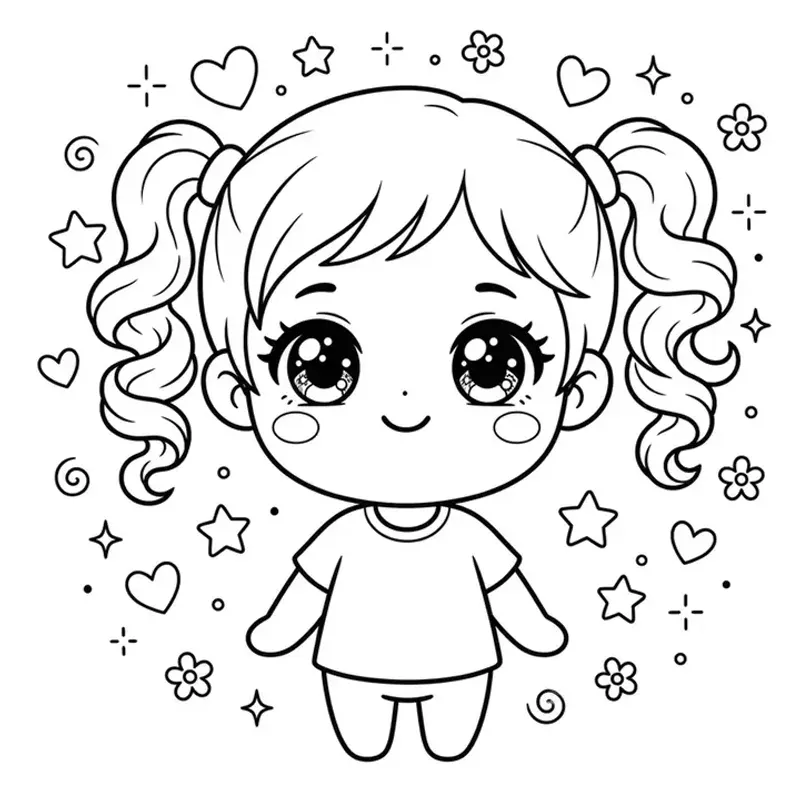
Cutie · Chibi style
Original Photo
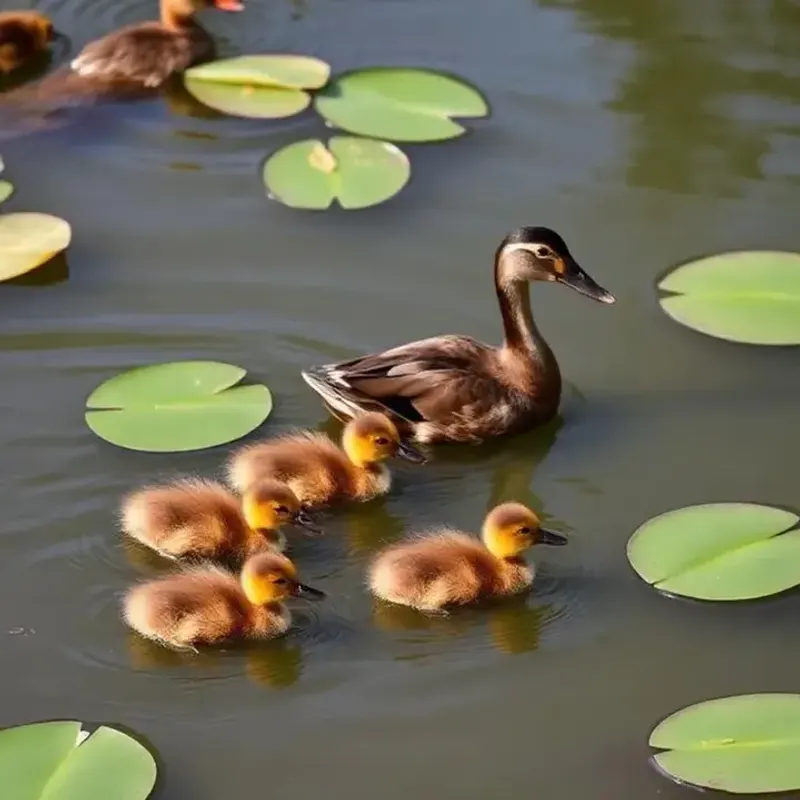
Coloring Page
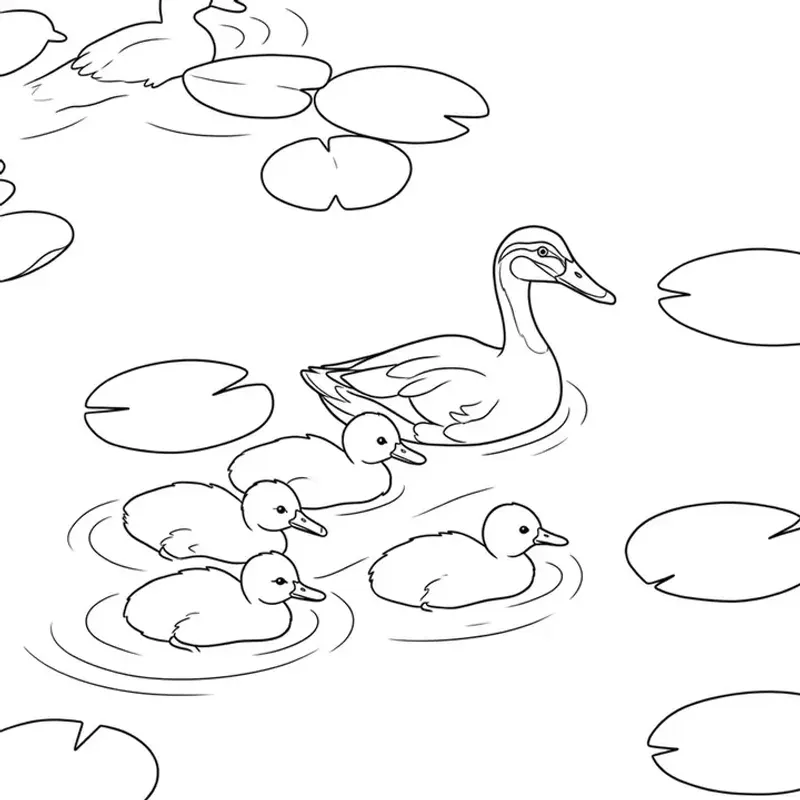
Ducks · Cartoon style
Original Photo

Coloring Page
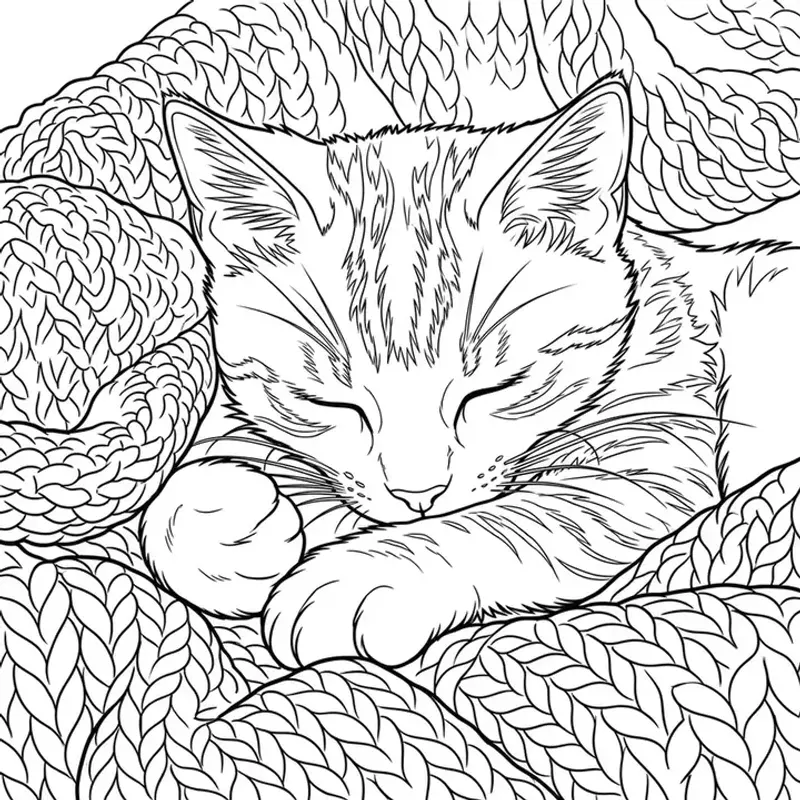
Cat · Cartoon style
Original Photo
Coloring Page
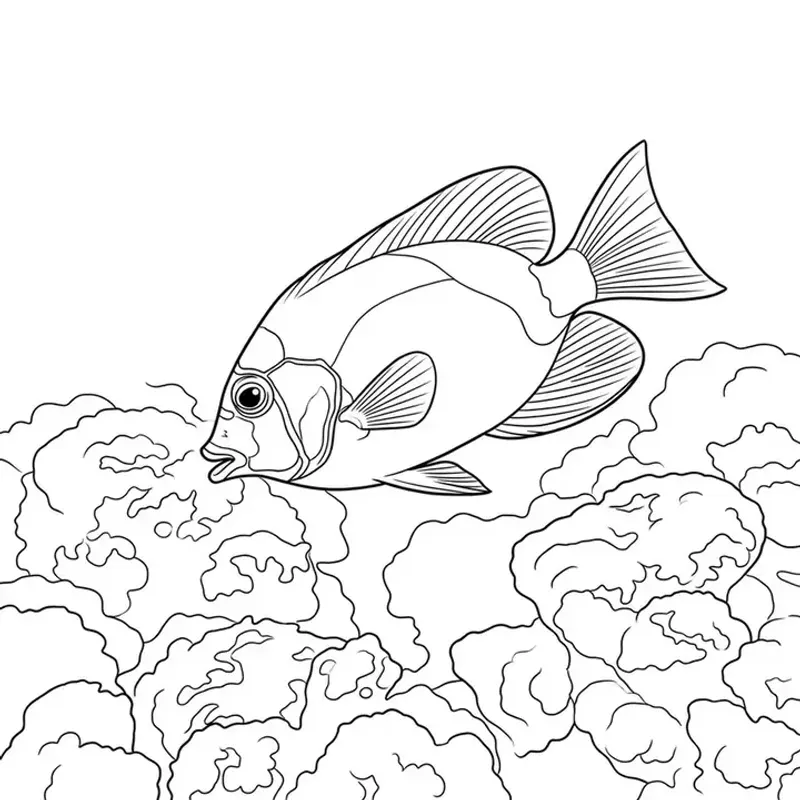
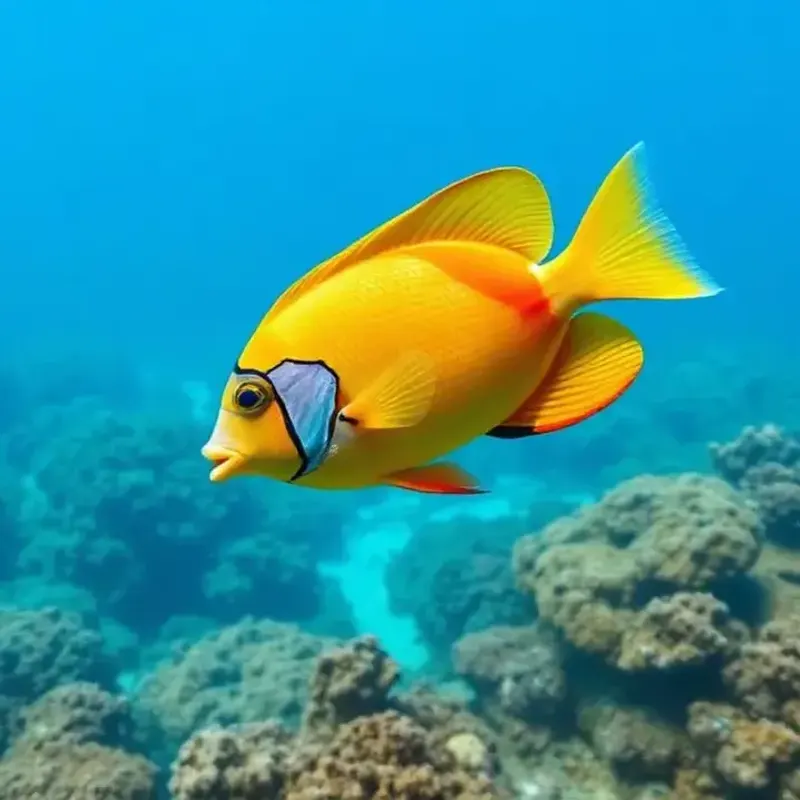
Fish · Cartoon style
Original Photo

Coloring Page
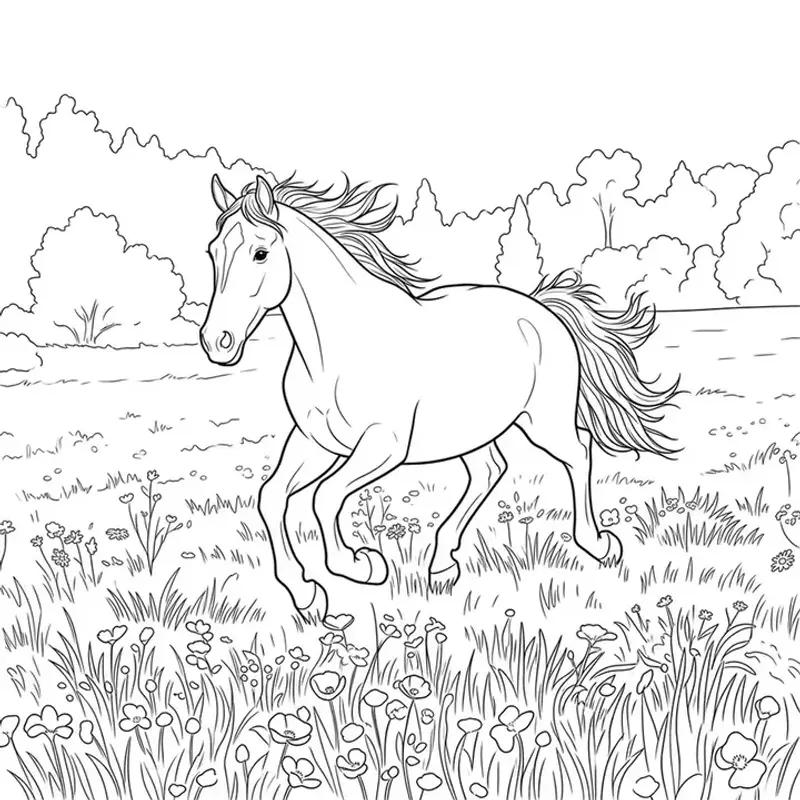
Horse · Cartoon style
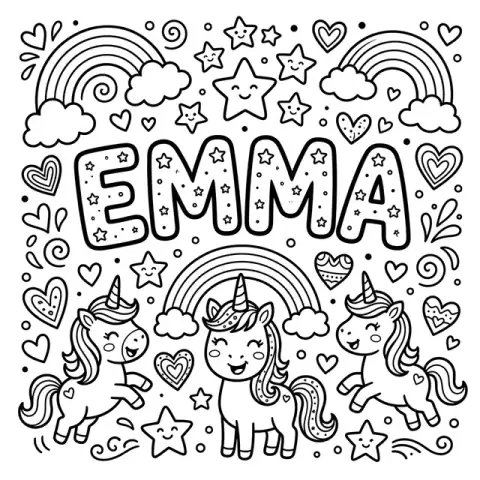
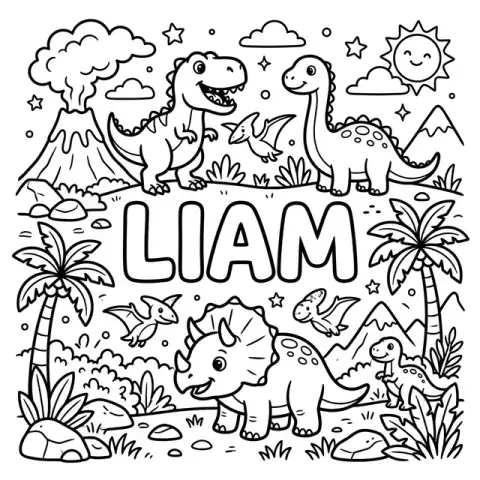
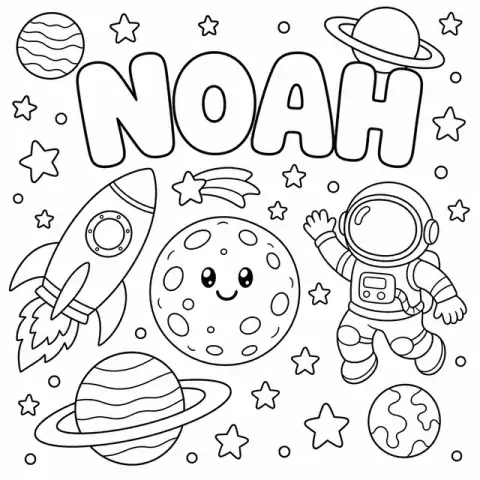
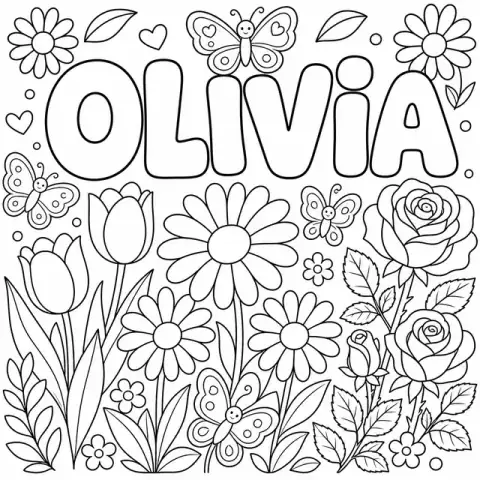
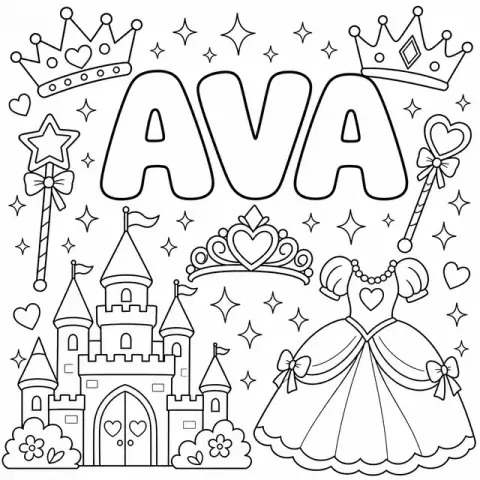
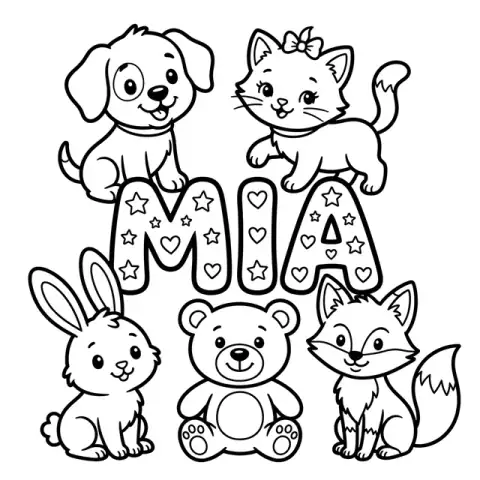
Any name. Any theme. Printable in seconds.
Type a kid's name, pick a theme, and our Name Coloring Page Maker draws it in big bubble letters — free, no signup needed.


Built privacy-first, because these are photos of your kids
Most photo tools quietly keep your images. We don't. Here's exactly what happens to a photo you upload to CrayonSnap.
Photos auto-delete within 7 days
A nightly, logged job removes your original upload from our servers within 7 days; residual encrypted backup copies are purged within about 30 days. You can delete it sooner from your library at any time.
Not used to train AI
Your kids' faces are not training data. We use a paid, enterprise AI API whose terms contractually prohibit training on submitted content — never the free consumer tier.
Never sold or shared
No data brokers, no ad networks, no selling photos or email addresses. Ever.
Read the full child privacy policy — plain English, no legal maze.
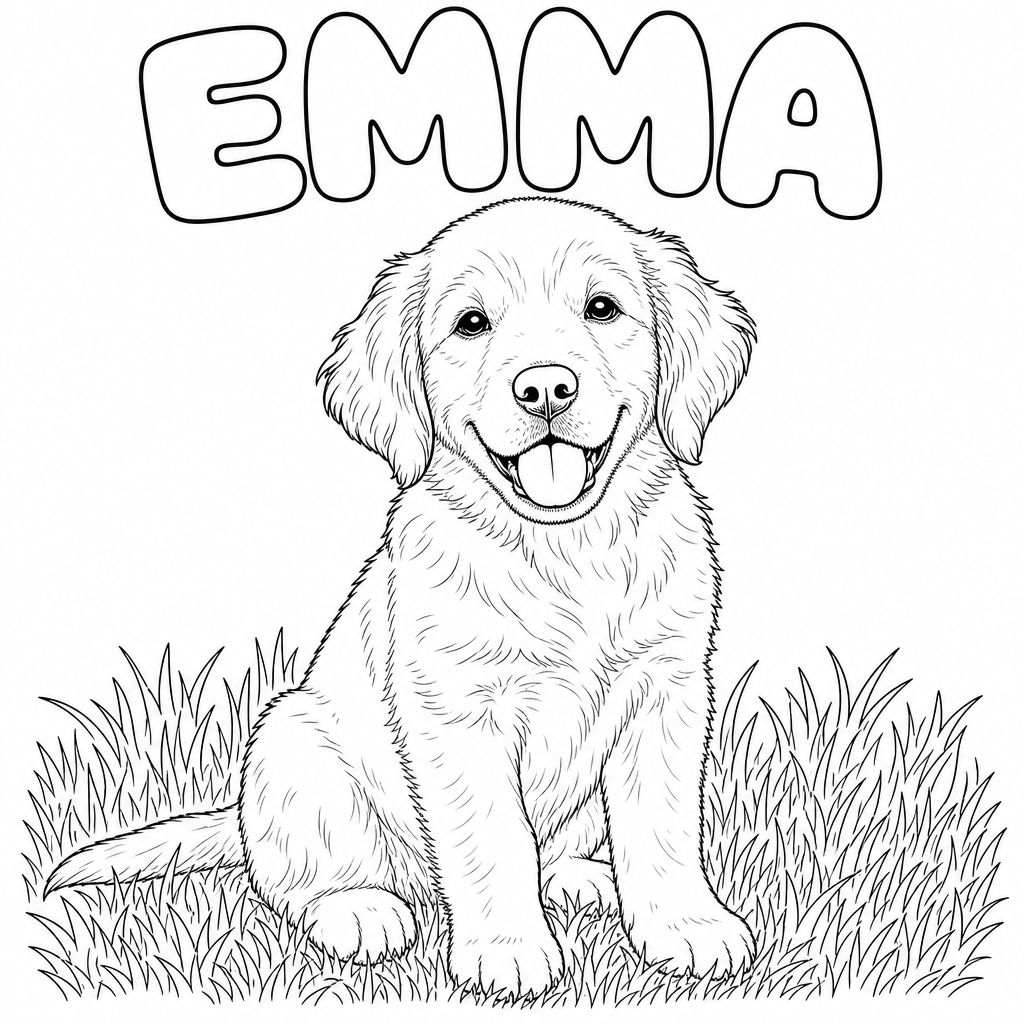
Tweak any page with one sentence
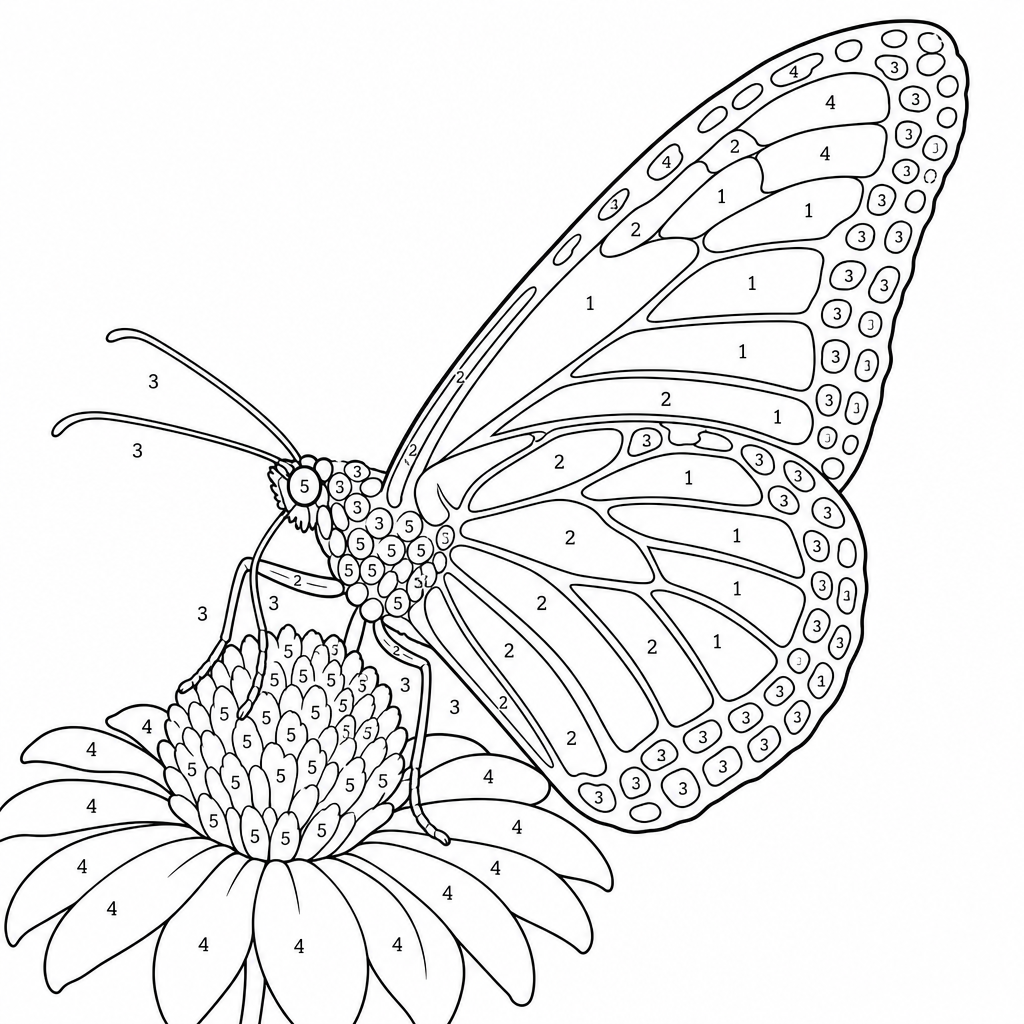
Add a name, simplify it for toddlers, turn it into a color-by-number — just type what you want and our AI edits the page without redrawing the whole thing.
Frequently Asked Questions
Need more than one coloring page?
Unlock 50+ pages a month, batch uploads, and ad-free downloads with a CrayonSnap membership.
See membership plansRelated guides parents love
More ways to use personalized coloring pages at home, in the classroom, or on the road.
For Teachers & Daycare Centers
Turn classroom photos into printable pages for preschool, daycare, and after-school programs — with the privacy policy directors actually need: uploads auto-delete within 7 days, not used to train AI, never sold. Unlimited printing for your whole room.
Loved by Parents & Teachers
See why families and educators can't stop creating with CrayonSnap.
"My kids go CRAZY for these! We snap a photo of our dog and within seconds they have a custom coloring page. It's become our rainy day go-to activity."
Sarah M.
Mom of 3
"I use CrayonSnap every week to create coloring pages from our field trips. The kids love coloring pictures of things they actually saw — it makes learning so much more personal."
David R.
Preschool Teacher
"This replaced our expensive coloring book budget completely. We photograph the kids' art projects and turn them into coloring pages. Parents absolutely love it!"
Jessica T.
Daycare Owner
"We photograph butterflies and flowers on nature walks, then color them at home. It's educational AND fun. Worth every penny of the subscription."
Mike L.
Dad & Homeschooler
Ready to Start Coloring?
Join thousands of parents creating personalized coloring pages their kids actually want to color. Your first upload is free!