How to Turn a Photo Into a Sketch in 30 Seconds
The fastest way to turn any photo into a clean, bold sketch you can print and color — no art skills, no software, no waiting.
How to turn a photo into a sketch (the easy way)
If you have ever wondered how to turn a photo into a sketch without downloading Photoshop or learning to draw, you are in the right place. The old way meant tracing paper, graphite pencils, and a lot of patience. The modern way means uploading a photo and letting AI do the outlining for you.
Here is the simplest method: take a well-lit photo with one clear subject, upload it to CrayonSnap, pick a line style, and in about 20 seconds you will have a bold, clean sketch you can print, save to your phone, or email to yourself. No account is needed for the first sketch.
Why most "photo to sketch" apps let you down
A lot of online tools promise to turn a photo into a sketch, but they really apply a watercolor or pencil filter that leaves gray mid-tones, fuzzy edges, and tiny detail that looks artistic on screen but is impossible to color. If your goal is a sketch a child (or adult) can actually color with crayons or markers, those filters miss the mark.
CrayonSnap was built for exactly that use case. Our AI model is trained to preserve the recognizable shape of your subject — the curve of a dog's ear, the outline of a face, the silhouette of a car — and convert everything else into thick, unbroken lines on a white background. The result looks like a professional coloring-book sketch, not a filtered photo.
Step-by-step: turn any photo into a sketch
- Upload your photo — JPG, PNG, HEIC (iPhone), or WebP up to about 20 MB. A single subject in daylight works best.
- Choose a sketch style — Bold outlines for toddlers, fine lines for older kids, or cartoon for a softer, rounded look.
- Download your sketch — Get a high-resolution PNG and a print-ready letter-sized PDF. Save to Photos, AirPrint, or email it to yourself.
What photos work best for sketch conversion?
- One clear subject — a portrait, a pet sitting still, a toy, a landmark. Tight crops win over wide group shots.
- Even lighting — avoid harsh shadows or backlighting. Soft daylight or overcast skies give the cleanest outlines.
- Simple backgrounds — blurred, plain, or uncluttered backgrounds help the AI focus on the subject edges.
If your photo is busy, try cropping in on the part you want before uploading. That one step is usually the difference between a crisp sketch and a cluttered one.
Can I use the sketch for something other than coloring?
Absolutely. While CrayonSnap is optimized for kid-friendly coloring pages, the high-resolution PNG output works well for greeting cards, iron-on transfers, embroidery patterns, scrapbooking, and classroom art projects. The PDF is formatted for standard US Letter paper so it prints cleanly on any home printer.
See the Magic in Action
From photos to coloring pages in seconds — swipe through real examples!
Original Photo
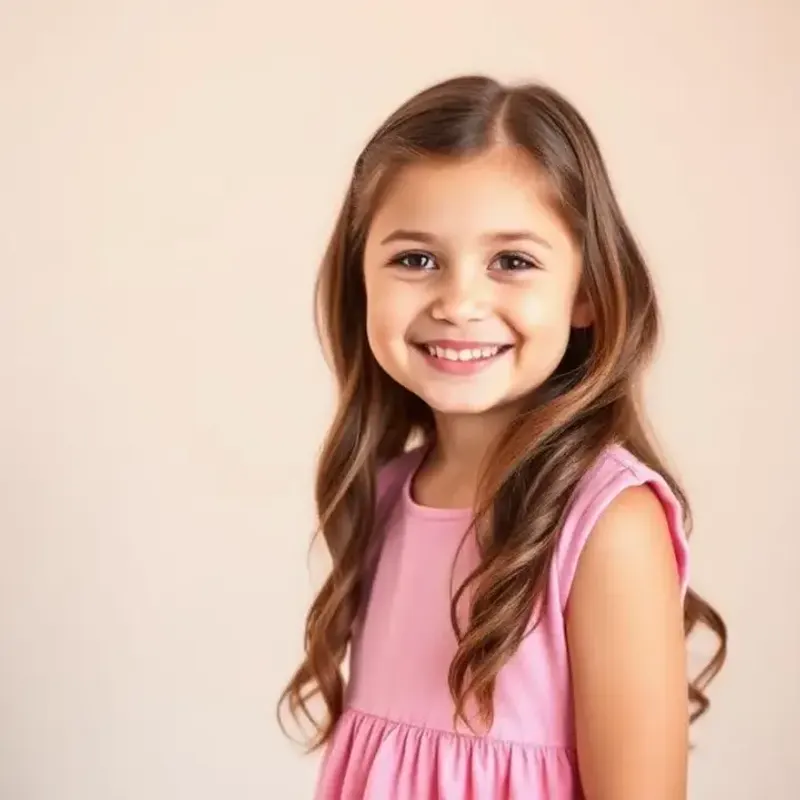
Coloring Page
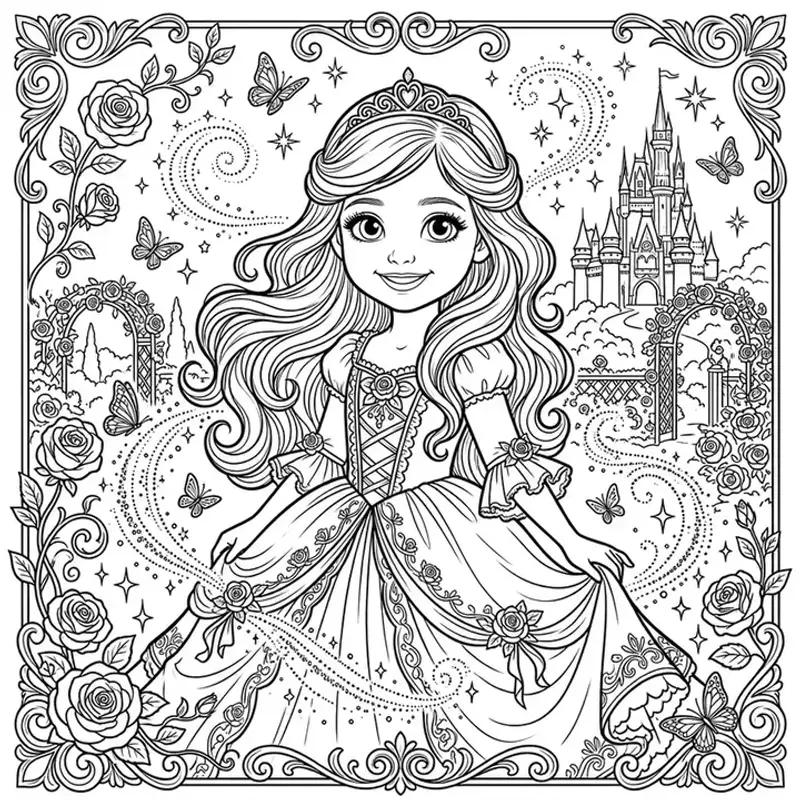
Princess · Fairytale style
Original Photo
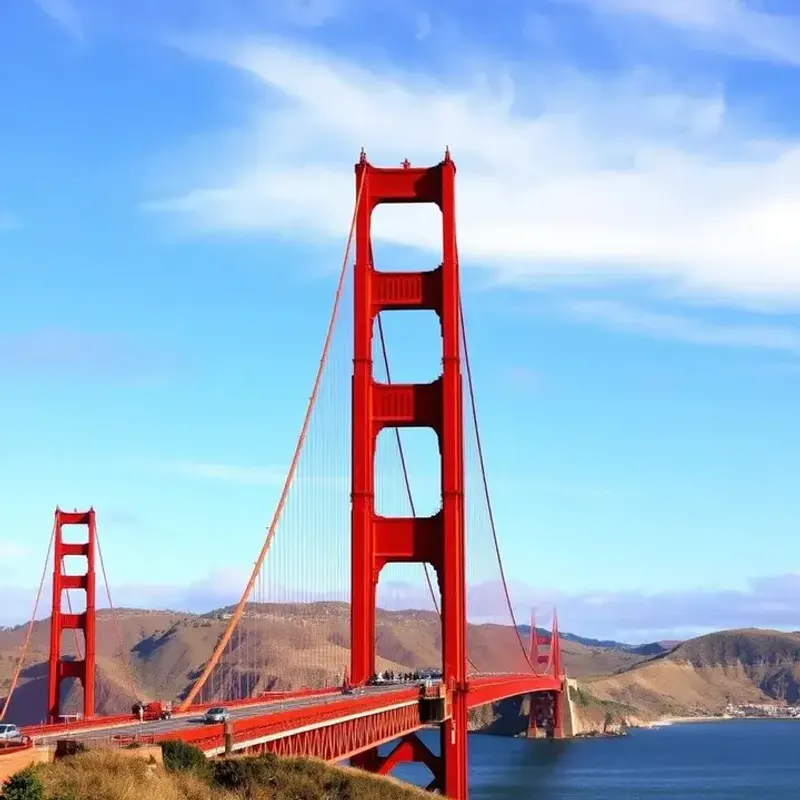
Coloring Page
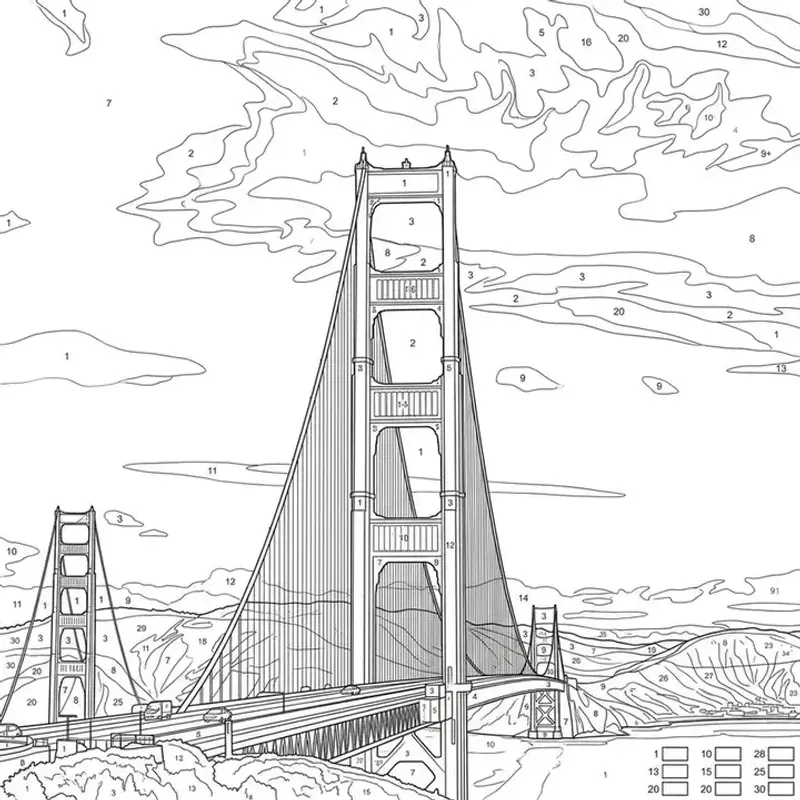
Golden Gate Bridge · Color by Number style
Original Photo
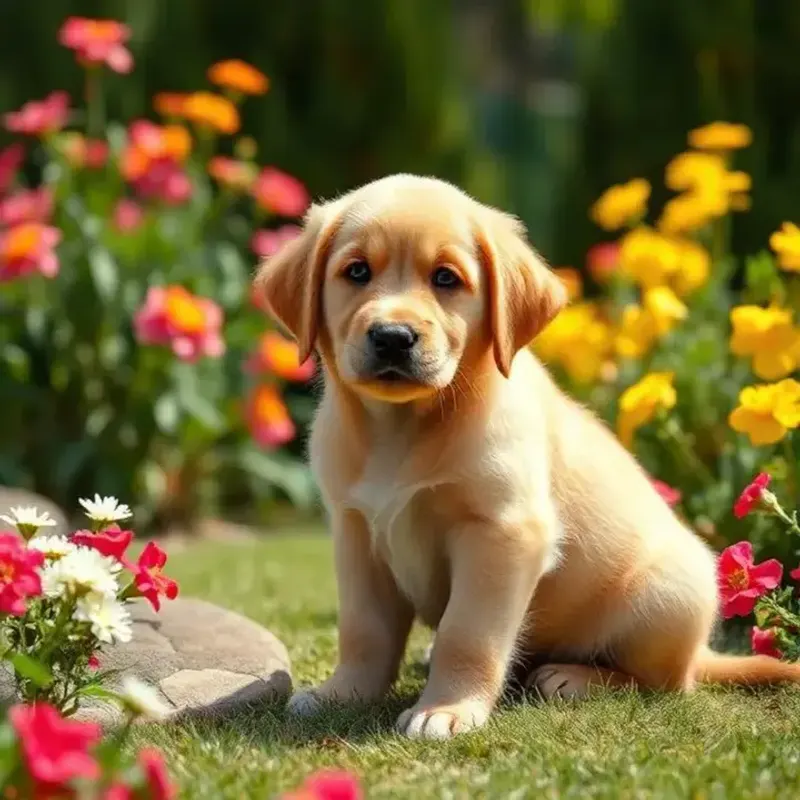
Coloring Page
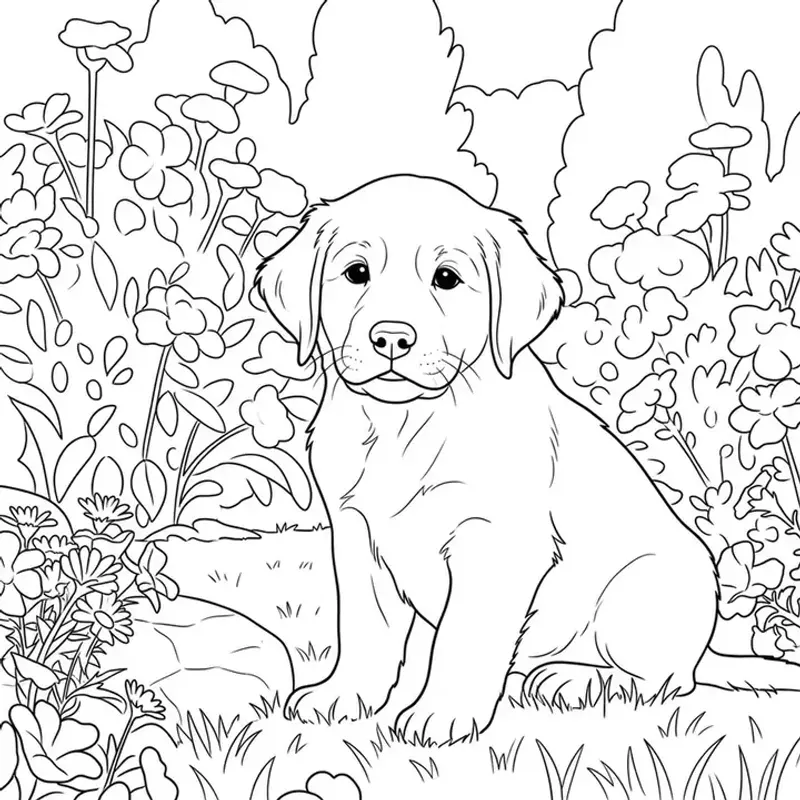
Puppy · Cartoon style
Original Photo
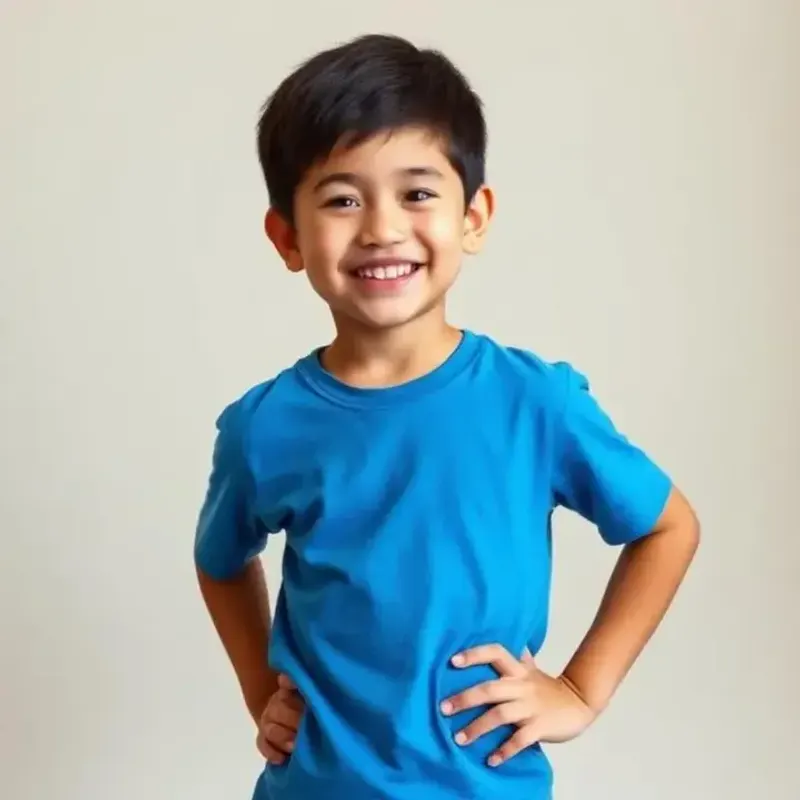
Coloring Page
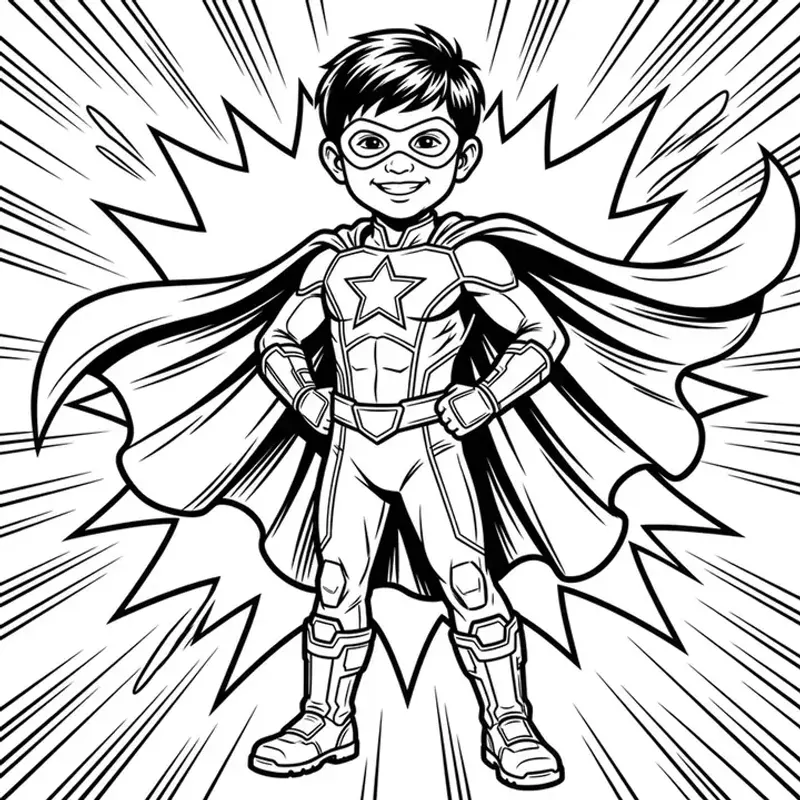
Hero · Superhero style
Original Photo
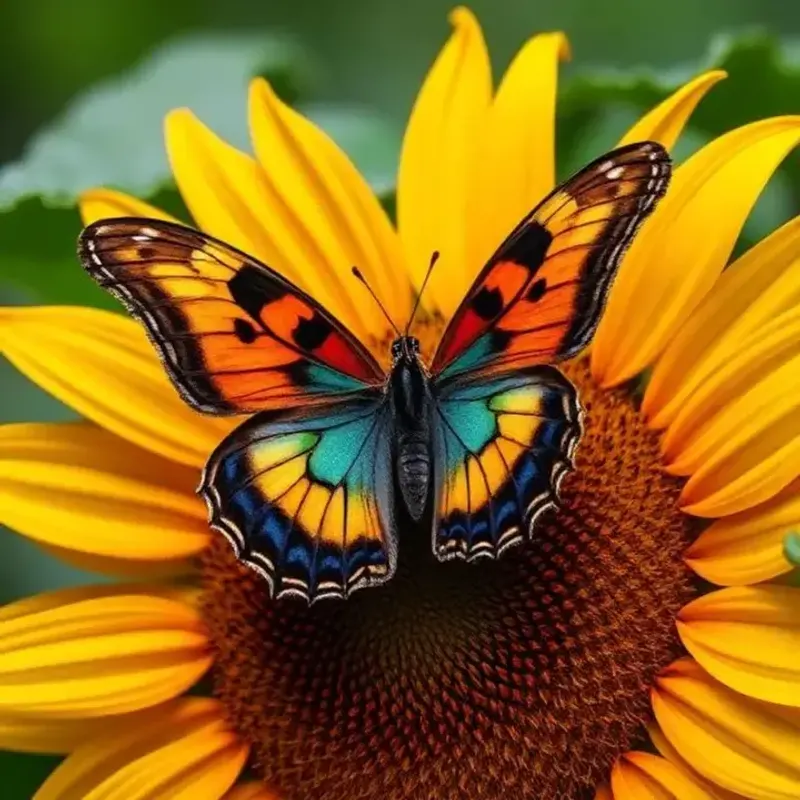
Coloring Page
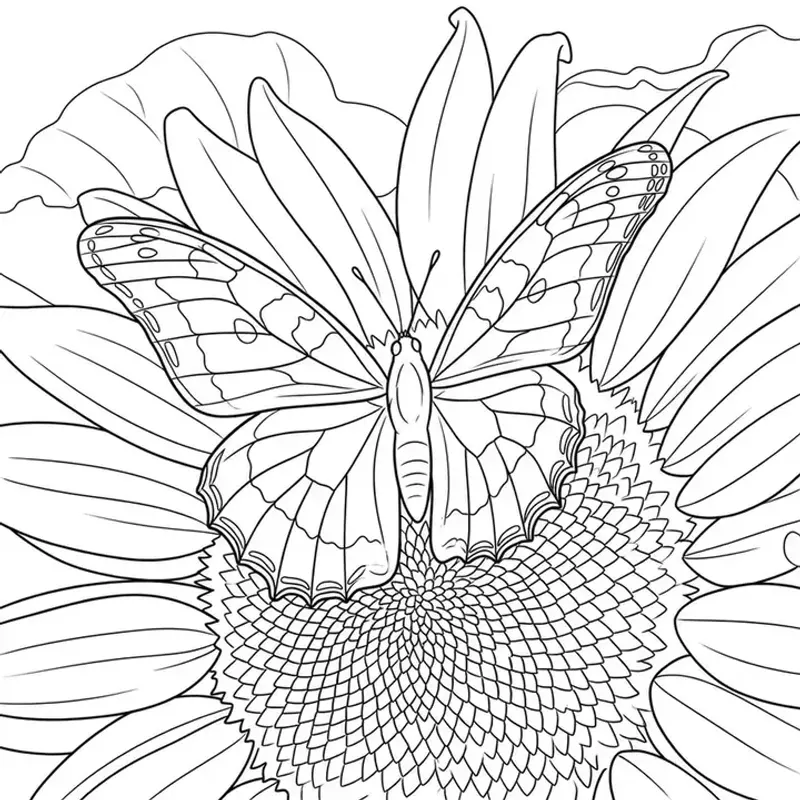
Butterfly · Cartoon style
Original Photo
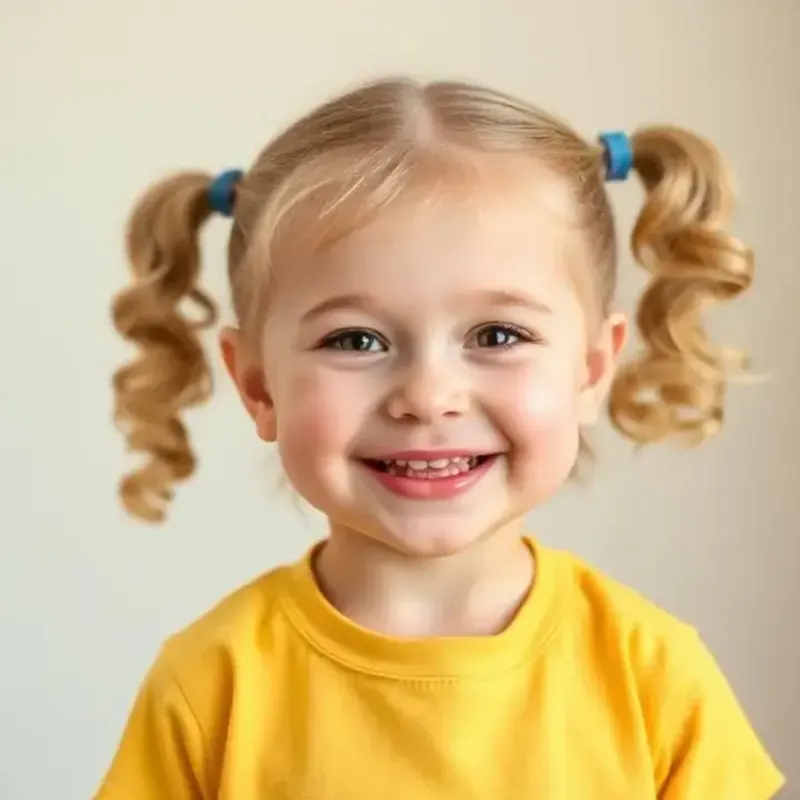
Coloring Page
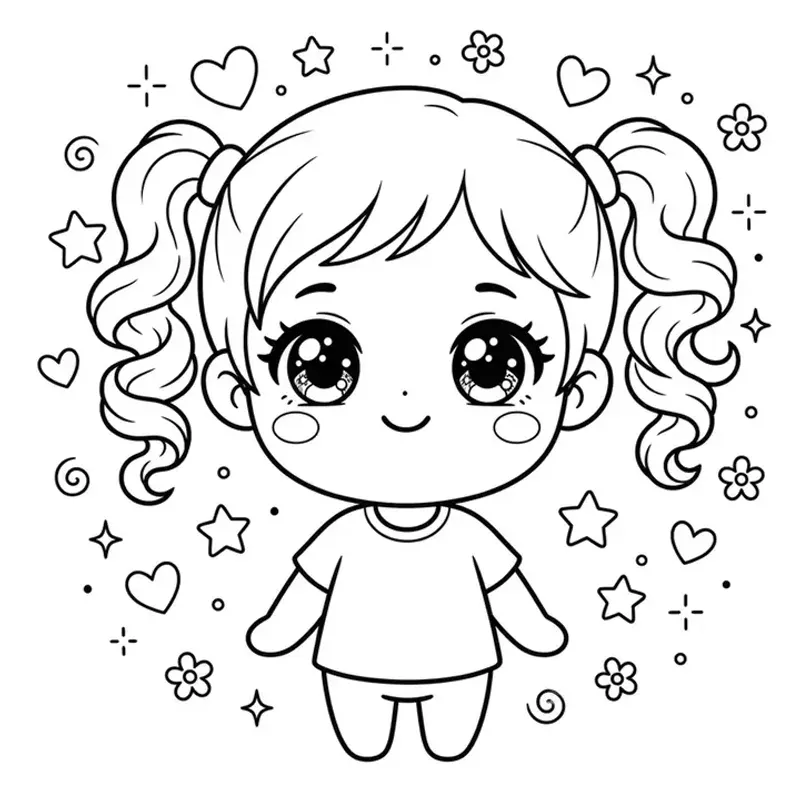
Cutie · Chibi style
Original Photo
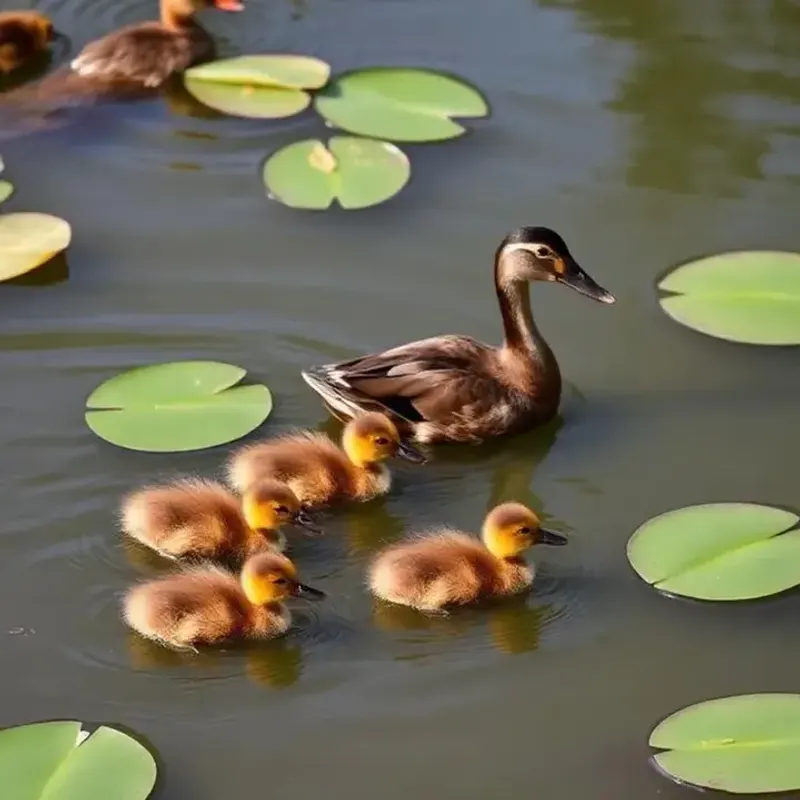
Coloring Page
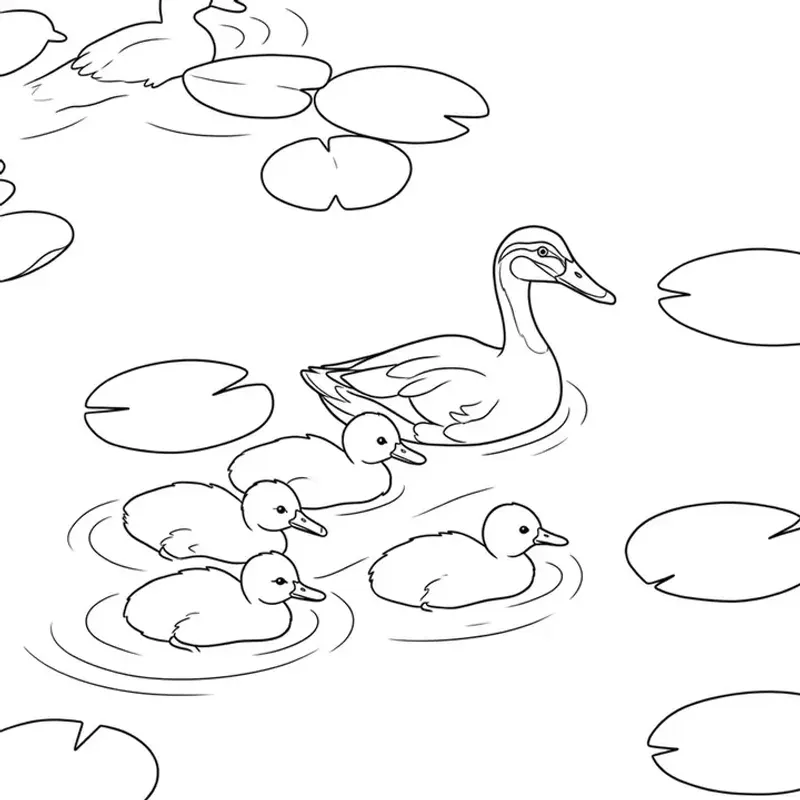
Ducks · Cartoon style
Original Photo
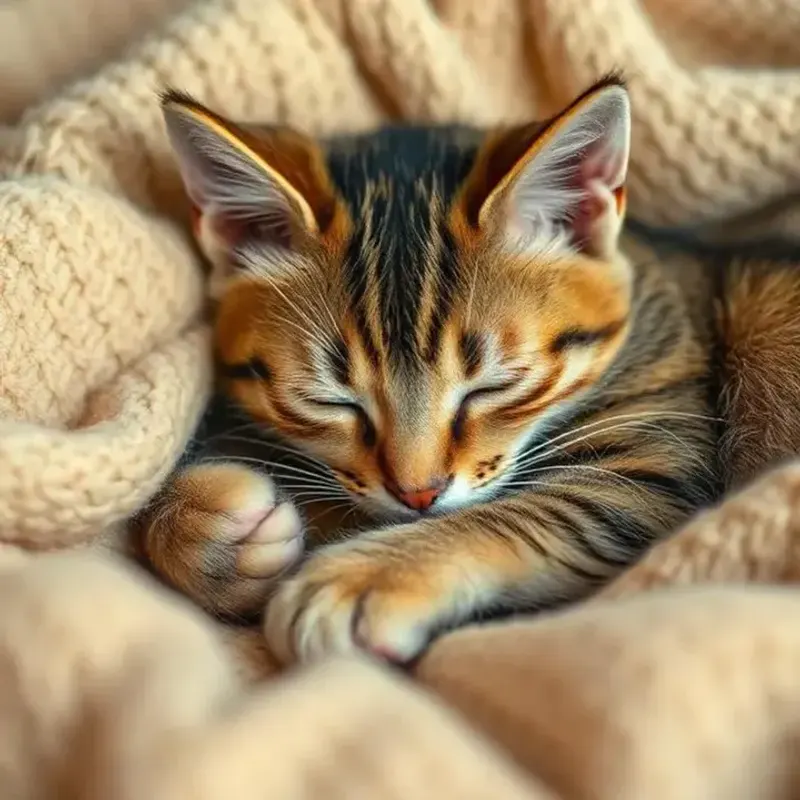
Coloring Page
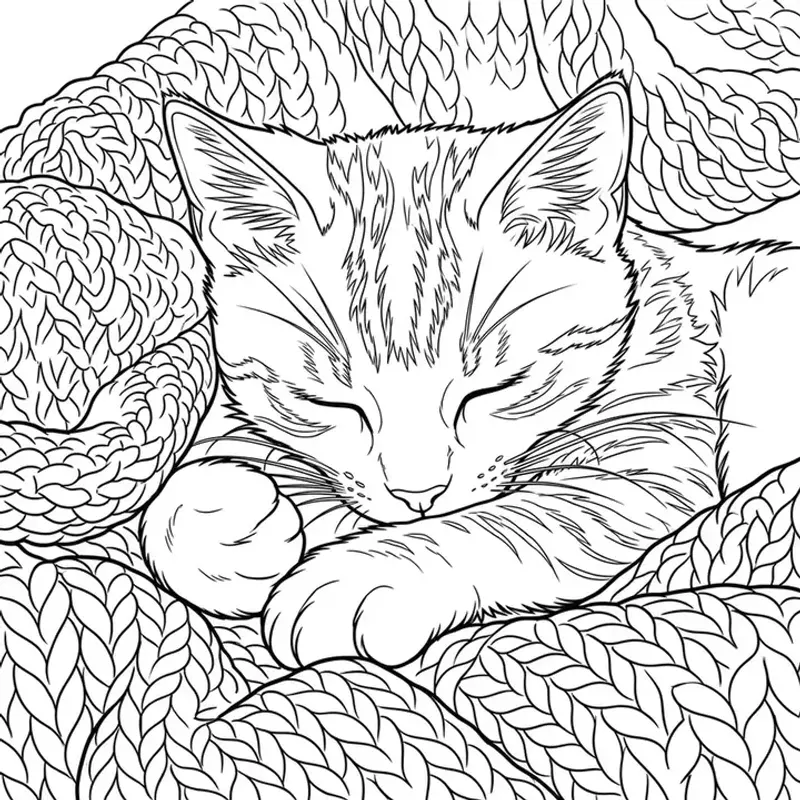
Cat · Cartoon style
Original Photo
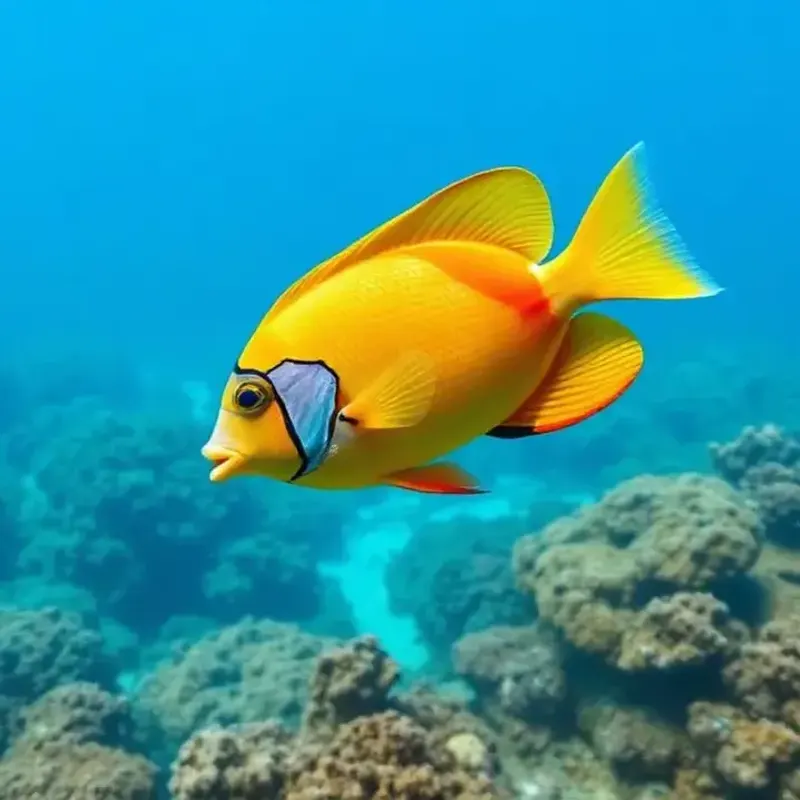
Coloring Page
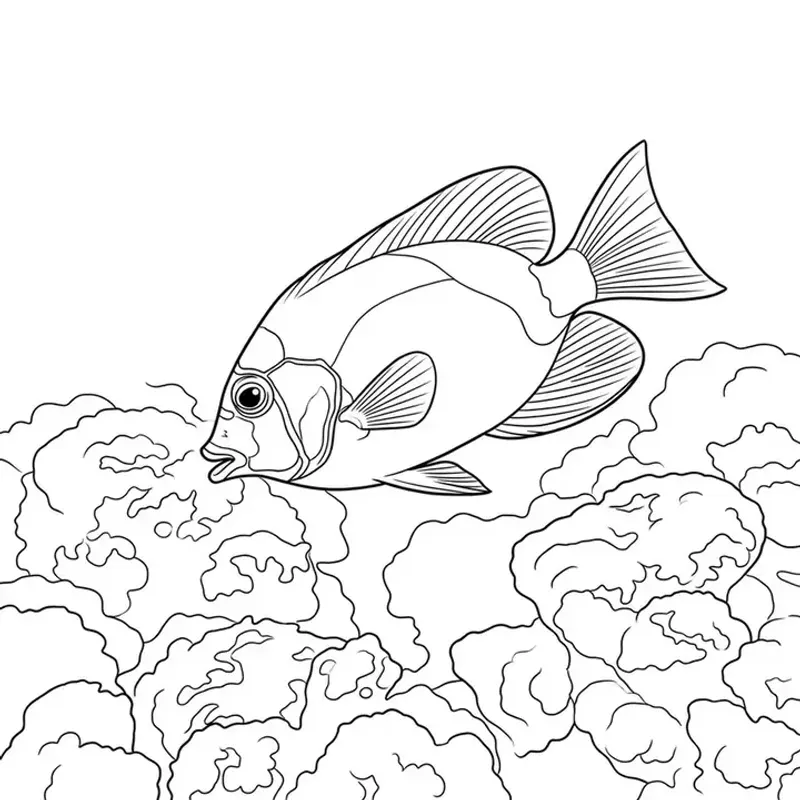
Fish · Cartoon style
Original Photo
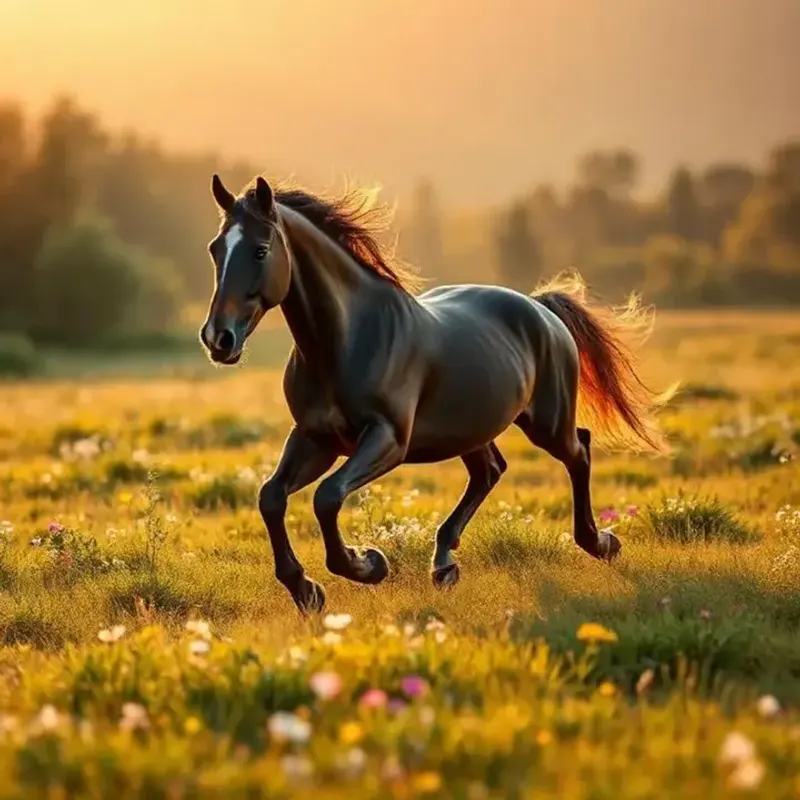
Coloring Page
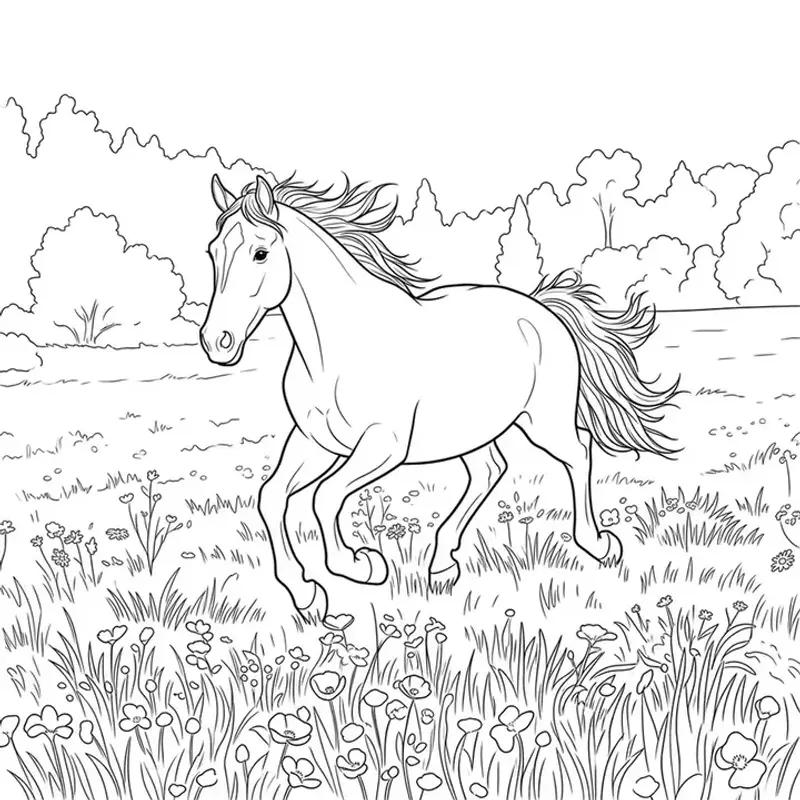
Horse · Cartoon style
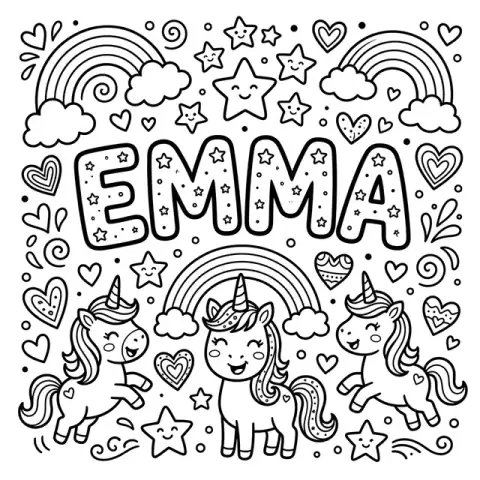
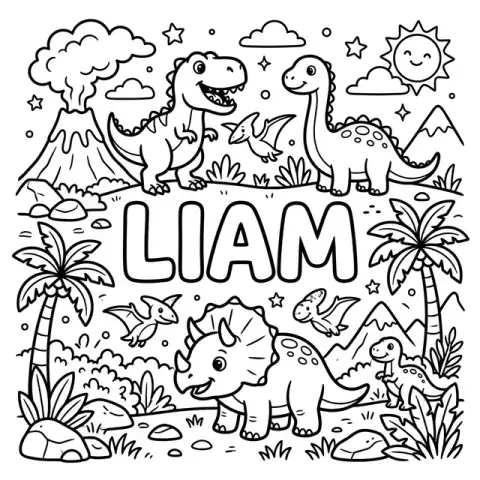
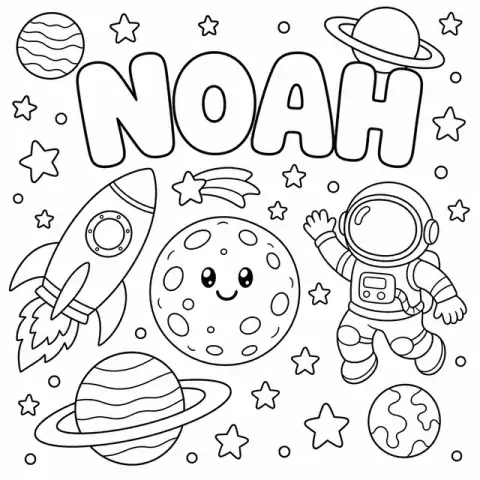
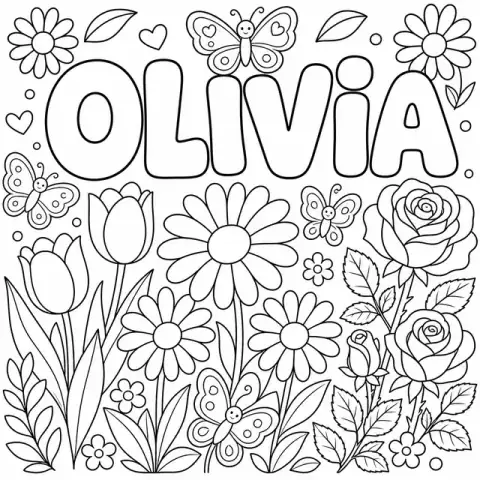
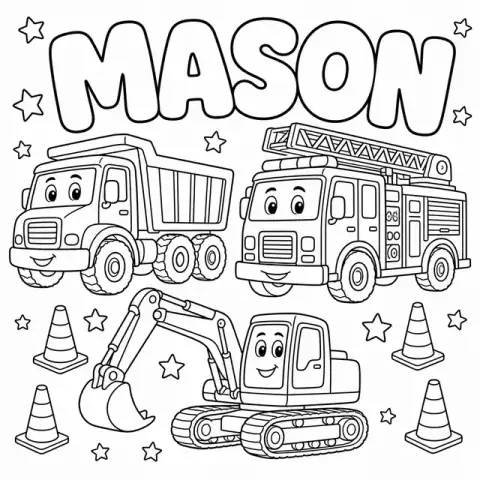
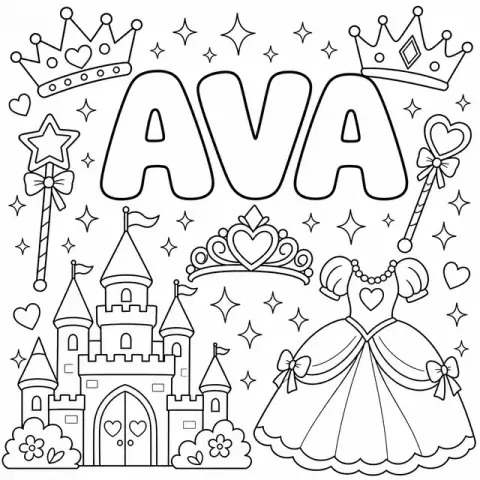
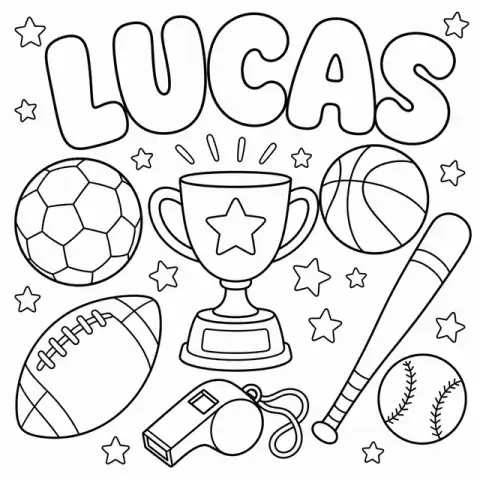
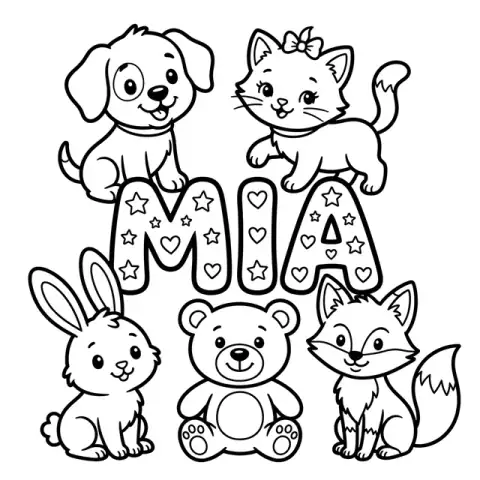
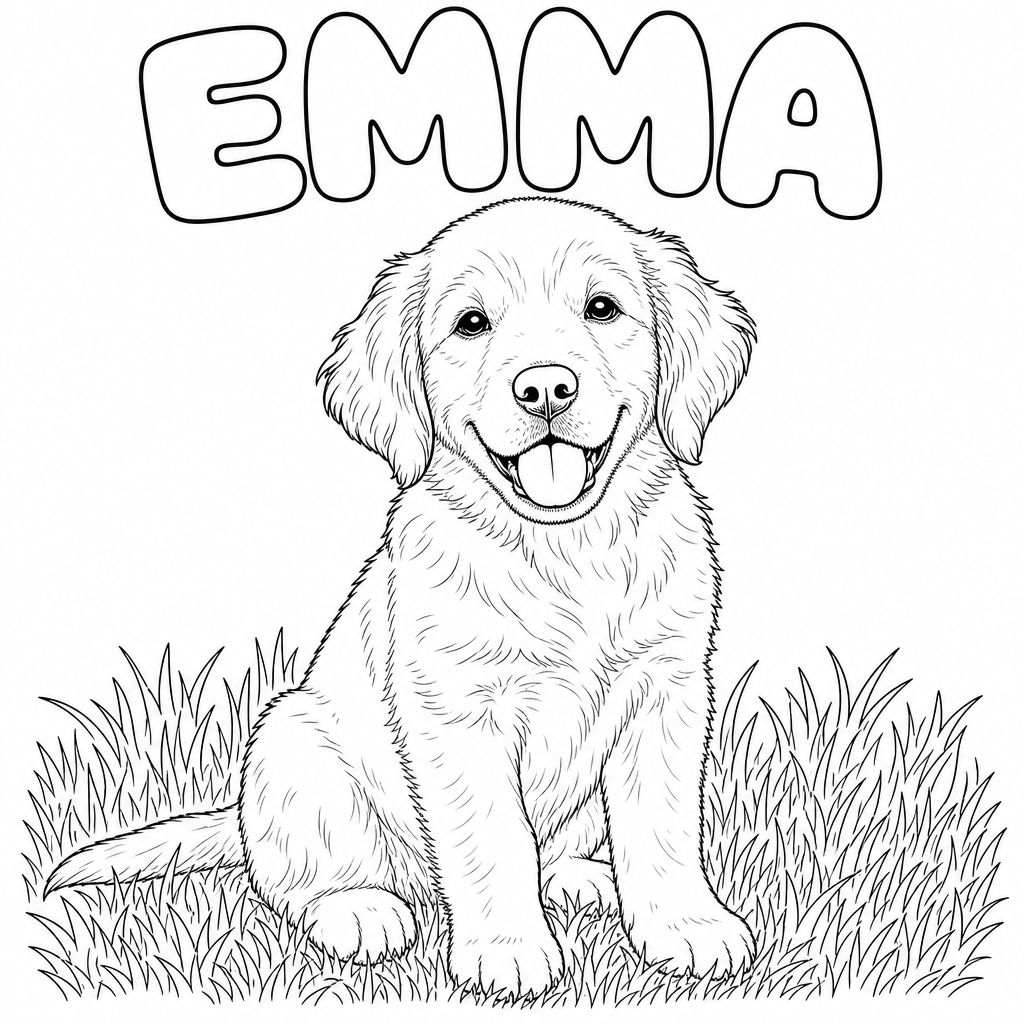
Any name. Any theme. Printable in seconds.
Type a kid's name, pick a theme, and our Name Coloring Page Maker draws it in big bubble letters — free, no signup needed.
Built privacy-first, because these are photos of your kids
Most photo tools quietly keep your images. We don't. Here's exactly what happens to a photo you upload to CrayonSnap.
Photos auto-delete within 7 days
A nightly, logged job removes your original upload from our servers within 7 days; residual encrypted backup copies are purged within about 30 days. You can delete it sooner from your library at any time.
Not used to train AI
Your kids' faces are not training data. We use a paid, enterprise AI API whose terms contractually prohibit training on submitted content — never the free consumer tier.
Never sold or shared
No data brokers, no ad networks, no selling photos or email addresses. Ever.
Read the full child privacy policy — plain English, no legal maze.
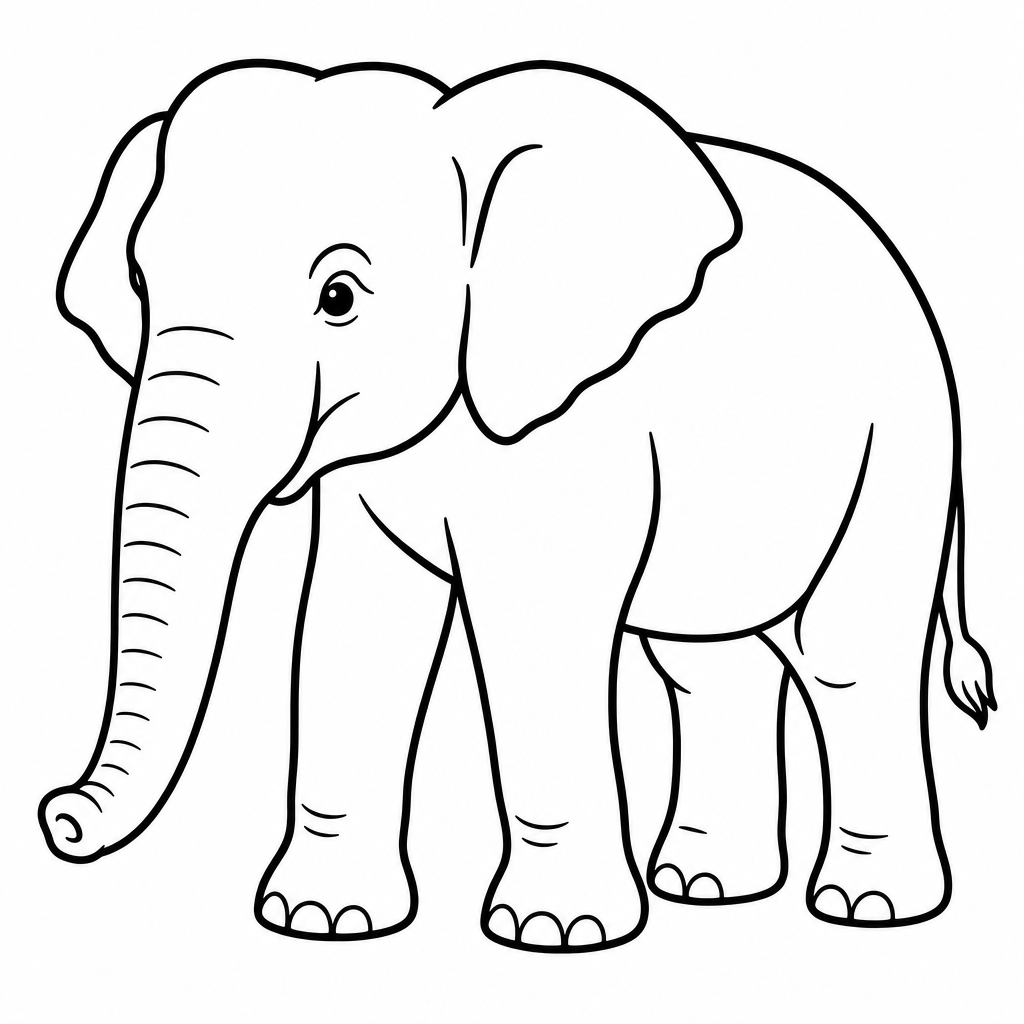
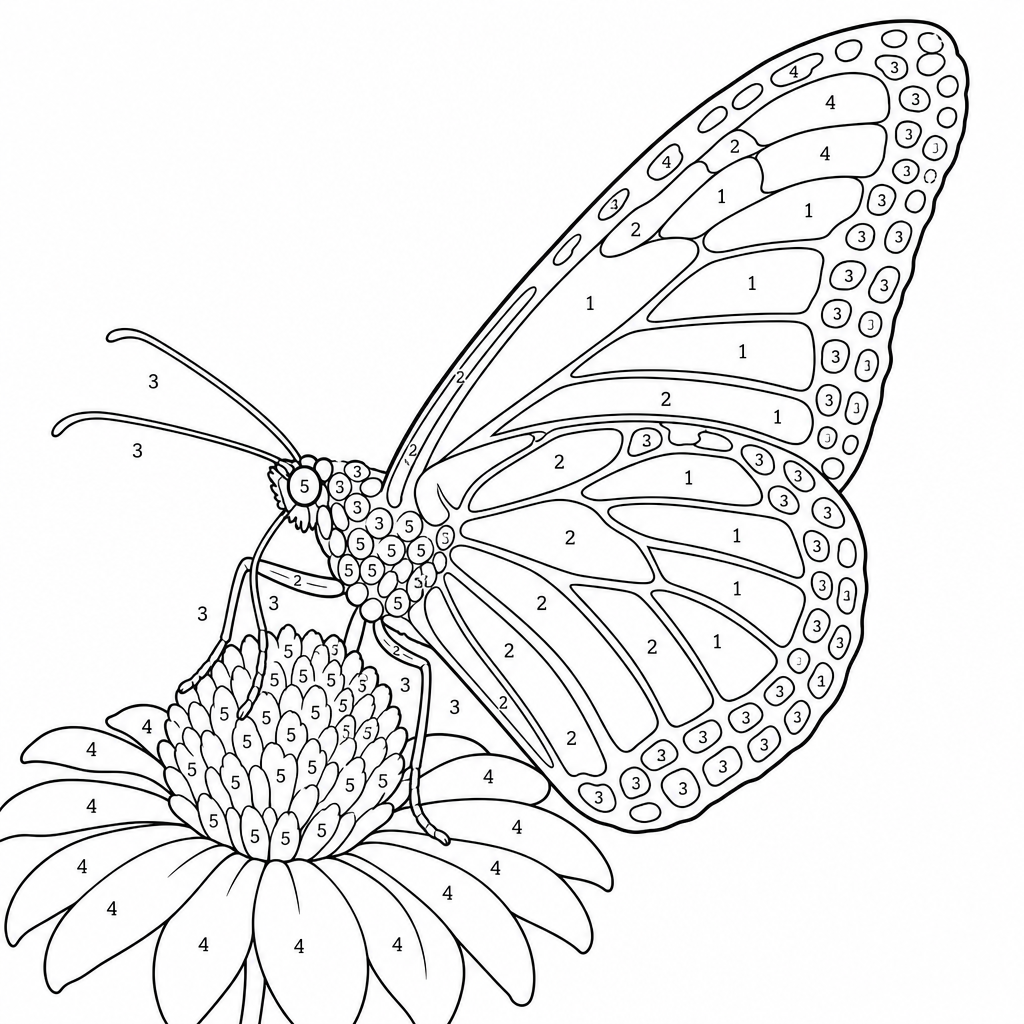
Tweak any page with one sentence
Add a name, simplify it for toddlers, turn it into a color-by-number — just type what you want and our AI edits the page without redrawing the whole thing.
Frequently Asked Questions
Need more than one coloring page?
Unlock 50+ pages a month, batch uploads, and ad-free downloads with a CrayonSnap membership.
See membership plansMore Photo-to-Sketch & Coloring Tools
Looking for other ways to turn photos into art? Browse our related tools for pets, family, parties, and more.
For Teachers & Daycare Centers
Turn classroom photos into printable pages for preschool, daycare, and after-school programs — with the privacy policy directors actually need: uploads auto-delete within 7 days, not used to train AI, never sold. Unlimited printing for your whole room.
Our Promise to Families
Simple commitments about how we treat your photos and your kids' time.
Photos deleted in 7 days
Your original photos are automatically deleted from our servers within 7 days.
Never used to train AI
We don't use your family's photos to train AI models. Ever.
Print-ready in seconds
Clean black-and-white line art sized for standard printer paper.
Screen-free time
Turn a moment on your phone into something your kids can hold and color.
Ready to Start Coloring?
Join thousands of parents creating personalized coloring pages their kids actually want to color. Your first upload is free!